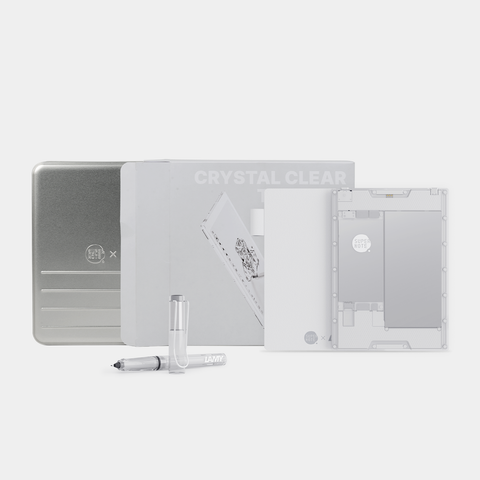
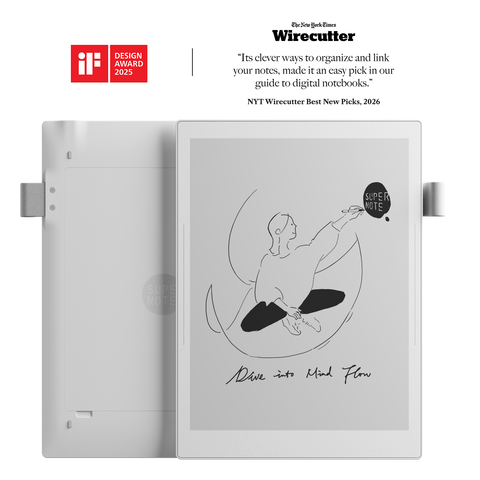
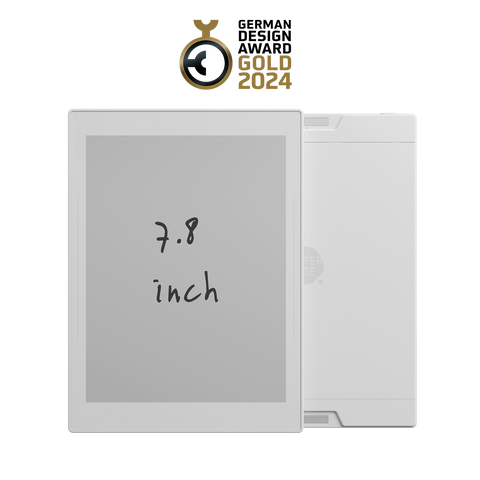
I am really enjoying my new Manta. The handwriting feel with the Heart of Metal pen is very similar to ballpoint pen and notepad, although you can use about any EMR pen if you like variety - I bought another pen that feels like a pencil but I use the HoM pen by far the most. The hardware and software design is well thought out. They allow the user to replace the mainboard or battery, and side-loading (at user's own risk of course). I ended up semi-bricking mine (my fault) with a custom launcher but it only took a few minutes to get it back up and running perfectly with a factory reset since all my files were backed up to the cloud. There's notthing wrong with Supernot's launcher anyway so I'm sticking with that. I'm not trying to turn it into a distracting iPad. You can use Supernote's cloud service, or your own - they don't lock you in, and they don't charge you ongoing fees just to use your device. You can even use private servers easily if that is your need. The cross-platform companion app works perfectly, especially for easily bringing new content into your Supernote. I bought my Supernote primarily to regain the lost art of handwriting, and for note-taking and research and learning. Linking, headings, keywords and digest features are all available to use or not use as you like. The sidebars are a brilliant idea, once you get used to them. Supernote can be as simple as a blank sheet of paper and pen, or much more sophisticated. The additional features take little time to figure out, but they don't get in the way of basic pen and paper functionality. Gestures give options for common functions. I can recommend this to anyone who values a low or no distraction handwriting environment that has some flexibility available for those who wish to expand its capabilities within reason.